Material Notes
How to Choose a Motorcycle CarPlay and Android Auto Display
Learn what to check when choosing a motorcycle smart display, from screen brightness and waterproof protection to smartphone compatibility, recording, and installation.
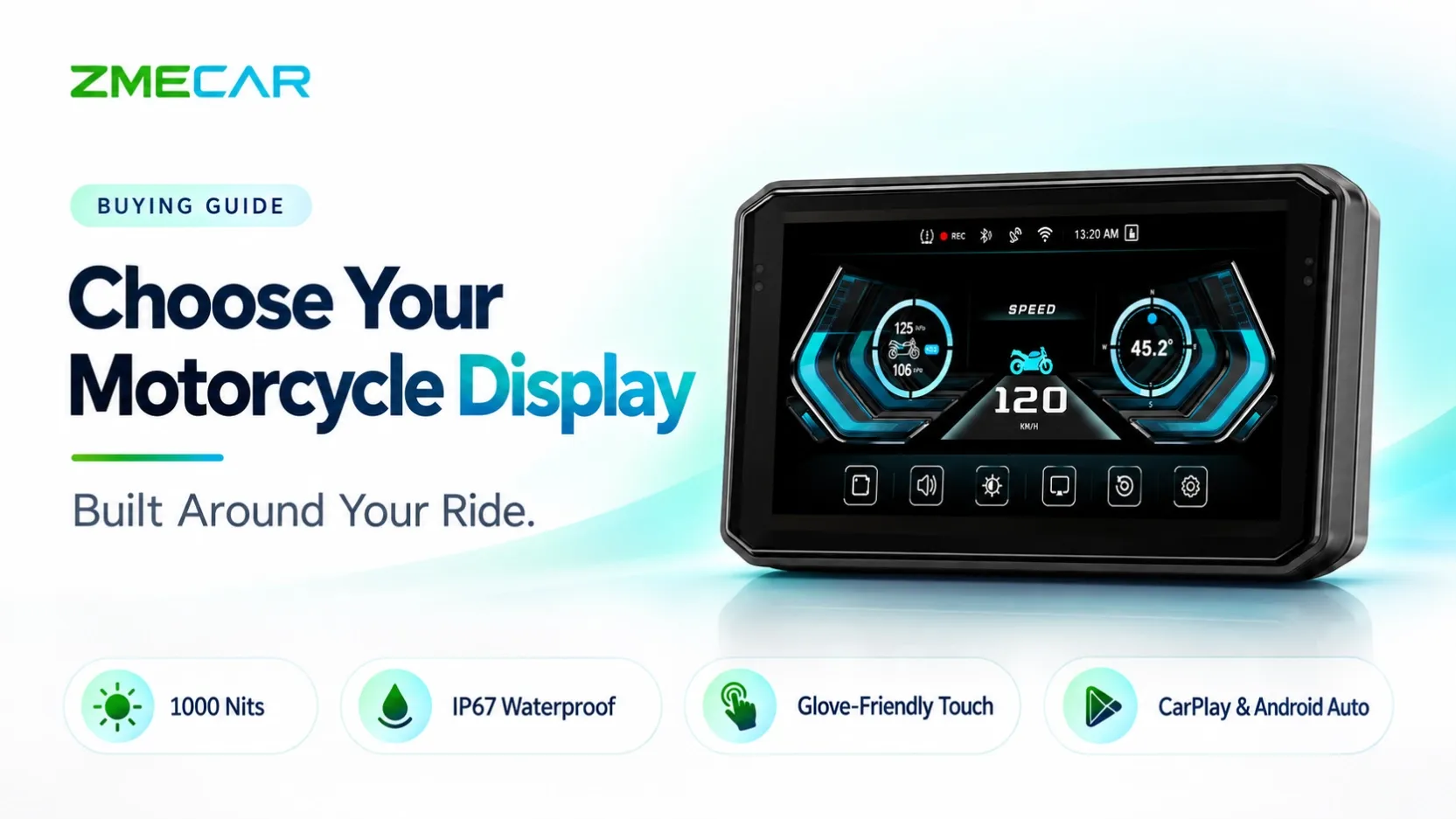
How to Choose a Motorcycle CarPlay and Android Auto Display
A motorcycle smart display can bring navigation and compatible smartphone functions into a dedicated screen on the handlebars. However, screen size alone does not determine whether a product suits a rider’s needs.
For retailers, distributors, and individual buyers, the most useful comparison starts with visibility, weather resistance, controls, connectivity, and installation.
1. Look Beyond Screen Size
A larger screen can make maps easier to view, but it also requires more mounting space. Check the display’s overall dimensions and mounting position against the motorcycle’s existing instruments and controls.
Brightness is another important factor. ZMECAR’s featured 6-inch display specifies 1000 nits of brightness and automatic brightness adjustment. These features help the screen adapt as lighting changes between open roads, shaded streets, and evening rides.
Actual visibility also depends on glare, viewing angle, and installation position, so evaluating a sample in realistic conditions is useful.
2. Check Weather Protection and Glove Operation
Motorcycle displays are exposed to outdoor conditions. A clearly stated waterproof rating provides a more useful comparison than a general “weatherproof” claim.
The featured ZMECAR 6-inch model specifies IP67 waterproof protection and glove-friendly touch. Buyers should also check installation instructions, connector protection, and operation with the gloves their customers normally wear.
3. Confirm Smartphone Compatibility
Apple CarPlay supports functions such as navigation, calls, messages, and music through compatible apps. Android Auto also requires a compatible phone and display setup.
Before ordering, confirm support for your intended smartphone models, whether the connection is wired or wireless, and how audio works with the planned headset or speaker arrangement. CarPlay and Android Auto provide access to supported functions; they should not be treated as unrestricted phone-screen mirroring.
4. Choose Monitoring and Recording Features Carefully
Tire pressure monitoring and recording can add practical value, but package contents matter.
For TPMS, confirm whether sensors are included and whether they suit the intended installation. For recording, check camera quantity, recording resolution, memory card requirements, and whether the relevant accessories are supplied.
Compare the complete configuration rather than relying only on a product title.
5. Verify Power and Mounting Requirements
The featured 6-inch display is USB powered. Buyers should confirm the required power specification, cable arrangement, and mounting hardware before installation.
A suitable installation should keep the screen secure and visible without interfering with steering, controls, or existing instruments.
Make the Choice Around the Rider
Commuters may prioritize convenient navigation and easy operation, while touring riders may place greater emphasis on outdoor visibility and additional monitoring functions.
For bulk purchasing, begin with a sample evaluation and an agreed specification. Contact ZMECAR with your target use, preferred functions, and installation requirements to discuss a suitable configuration.